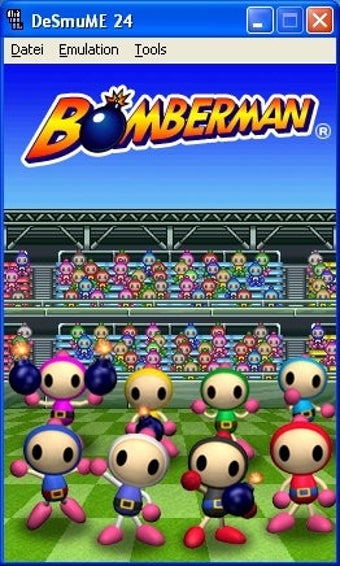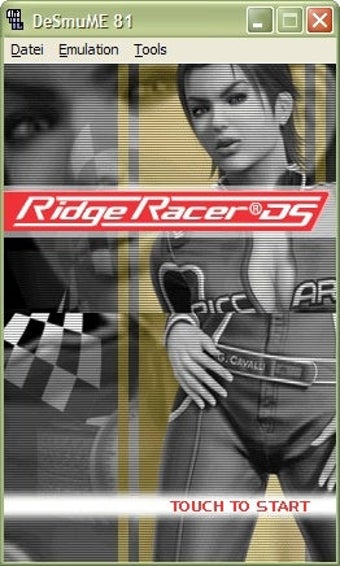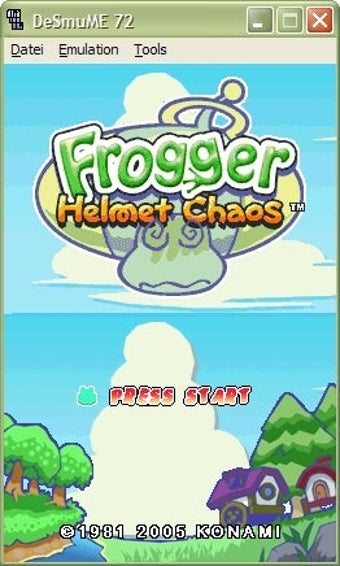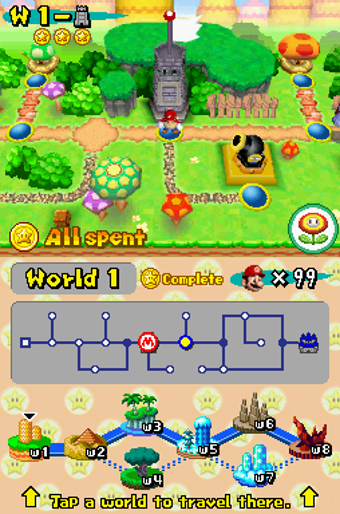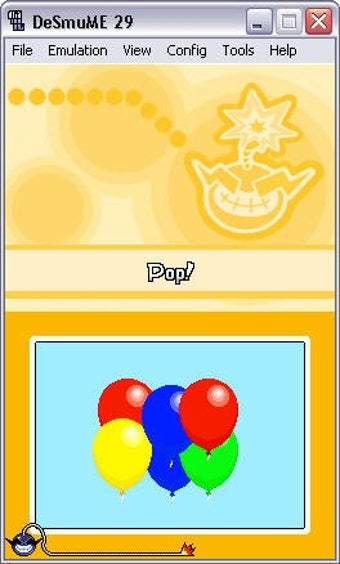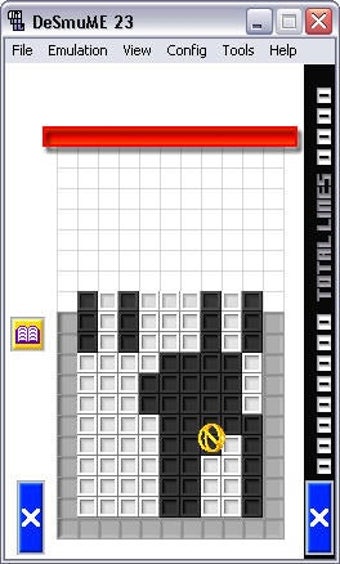

DeSmuME for Windows: the simulator that brings the Nintendo DS to the computer.
Immerse yourself in the world of DeSmuME for Windows, and discover how your Nintendo DS games come to life on your computer! Experience the magic of your favorite games with high-quality graphics, perfectly emulating the DS experience, and enjoy additional features that take emulation to the next level. Don't miss out on the ultimate Nintendo DS emulation experience! Download DeSmuME for Windows today and relive your DS adventures with the best quality.
Top Recommended Alternative

The DS experience on Windows
DeSmuME is an emulator designed for Windows that allows users to play Nintendo DS games on their computers. With a wide range of functionalities, it not only allows playing, but also saving progress, modifying graphic settings, and adjusting performance according to the user's needs. Its interface is intuitive, allowing both beginners and experts to navigate its options very easily.
This emulator is known for its stability and ability to handle games with intense graphics without experiencing delays. Even on computers with modest specifications, DeSmuME offers a smooth and consistent experience. Although it is standalone software, it offers the ability to integrate plugins and mods, further expanding customization possibilities and improving the emulation experience.
With a clear interface and well-structured functions, DeSmuME prioritizes ease of use. Configuration options are clearly labeled, and it is easy to understand what each one corresponds to. DeSmuME is an open-source project and is completely free. It has no ads or in-app purchases.
Although DeSmuME is primarily designed for Windows, there are versions available for other operating systems. It does not have specific accessibility features, but its open-source nature allows for adaptation and modification by the community.
There are other Nintendo DS emulators on the market, but DeSmuME stands out for its constant updates and the quality of its emulation. Other emulators, such as No$GBA, may offer similar features, but DeSmuME is widely recognized for its active community and technical support.
Powerful and constantly evolving emulation
DeSmuME for Windows is a powerful and reliable emulator that offers users the ability to relive their favorite Nintendo DS games on their computers. Its strength lies in its stability, high emulation quality, and customization capabilities. Although it lacks certain accessibility features, its open-source nature compensates for this gap by allowing adaptations by the community. For those seeking a hassle-free Nintendo DS emulation experience, DeSmuME is an unbeatable choice.
Frequently Asked Questions
- Is DeSmuME safe to use? Yes, DeSmuME is an open-source software and widely used by the emulation community without any security issues reported.
- Can I use DeSmuME on a Mac? Although DeSmuME is designed for Windows, there are versions available for Mac and other platforms.
- Is it legal to use DeSmuME? The emulator itself is legal. However, you must own an original copy of the game you want to emulate.